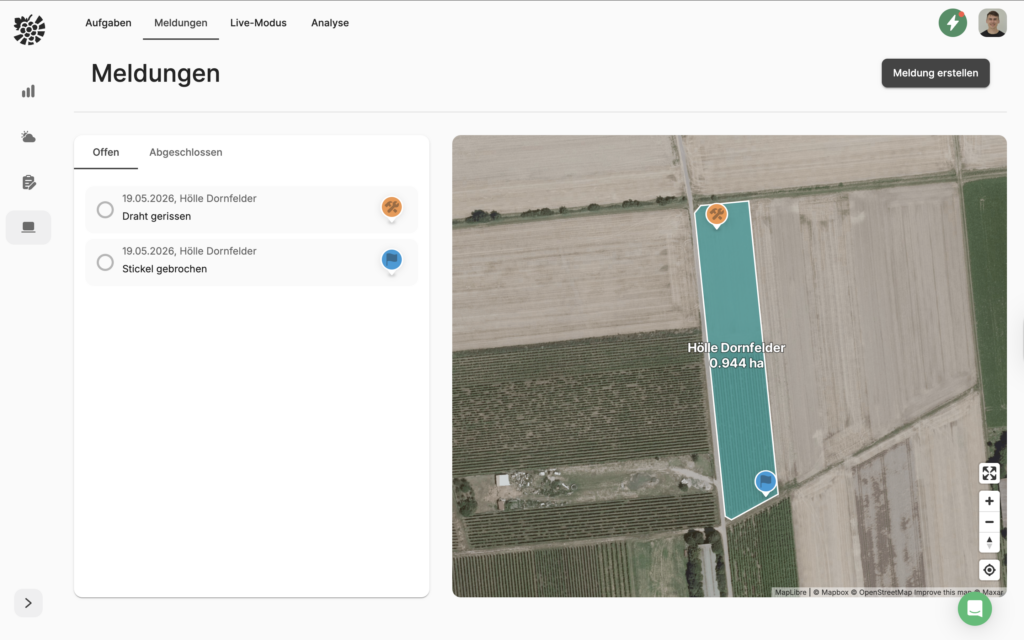
Do you know this: You're driving the tractor through the vineyards and discover a broken stake or a torn wire. You quickly make a note on a small piece of paper. A few weeks later, you have time to fix the damage, but the note is nowhere to be found.
Create messages via mobile phone/tablet 📍
So that you and your team never forget any damage again, you can now conveniently mark all important locations on the go with the reporting function.
To do this, go to your mobile app to the overview page. Select the button Add message and then select one of the messages already created (e.g. wire broken). The report is then immediately saved on the map via GPS location and you can easily follow up on your current activity. You can also click on Create new Add a message manually
Messages on the PC 🖥
We recommend creating templates with the classic messages on your PC for quick mobile use in the tractor. You can find out how to do this in the article. Create templates.
You can find all saved messages under Management -> Messages (also mobile). Among other things, all team members can mark reports as completed, view details by clicking on the report and edit the report there, or be directed straight to the recorded report.