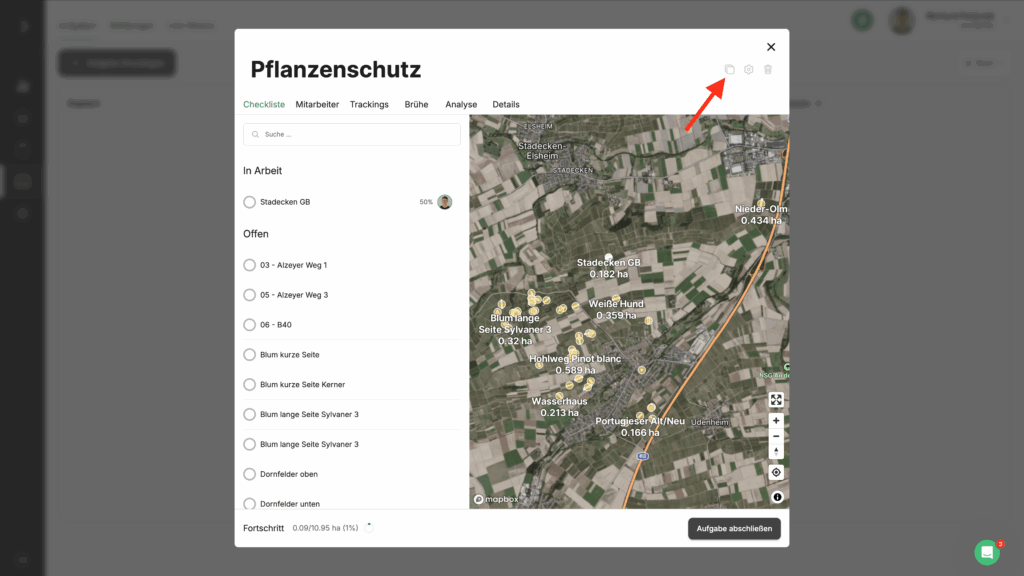
Some tasks take place several times within a season and differ only minimally or not at all. To avoid having to create them again and again, you can simply copy tasks and all the information will be transferred to the new task. To do this, click under Management -> Tasks on the task you want to copy. You will find the copy function at the top right of the window. Click on the copy icon (see screenshot) to copy the task.