
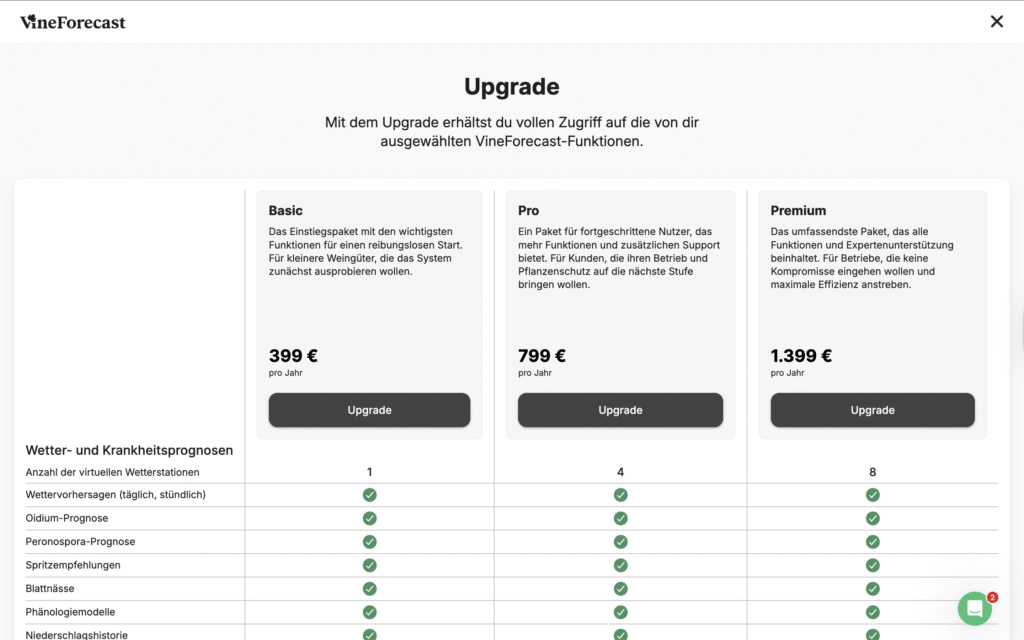
Log in to VineForecast on your PC. Click on your profile picture (or initials if you haven't uploaded one) in the top right-hand corner and then on Upgrade. A page will then appear where you can select the package you want. Here you have to click again on "Upgrade" and then accept the privacy policy and terms and conditions.
On the following page you can now enter your payment details and enter a discount code on the left-hand side, if you have one.
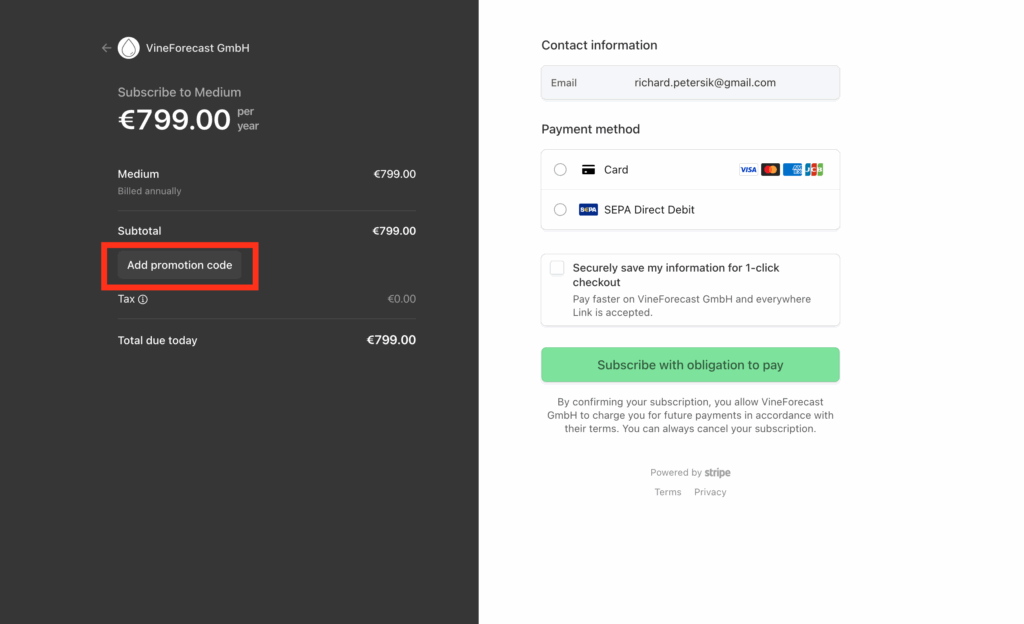
As soon as everything has been entered, confirm the process once by clicking on the green button at the bottom.