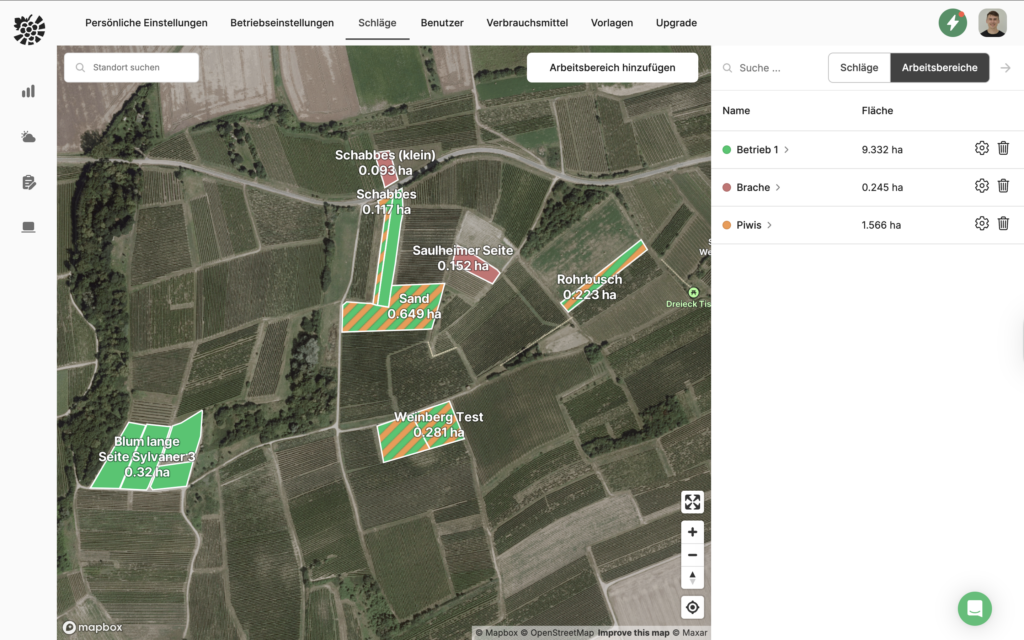
Creating work areas offers you decisive advantages when using VineForecast. Among other things, you can quickly select the desired vineyards when adding a spraying or creating a task or easily distinguish areas on the map using the assigned colours (e.g. fallow land).
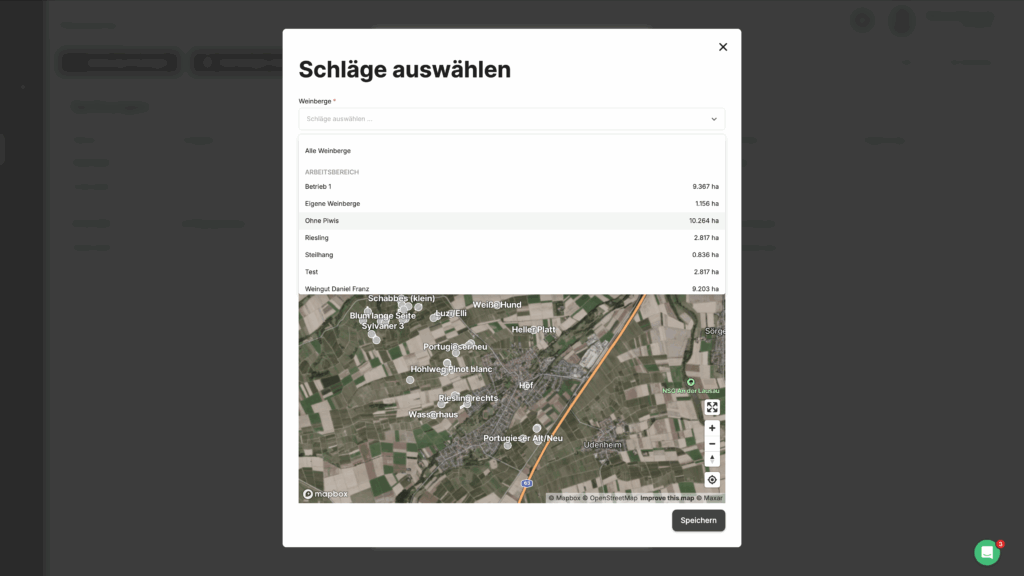
To create a workspace, first navigate to Settings -> Workspaces. Here you can click in the sidebar on the right on "Work areas" switch. Now select the button "Add workspace„.
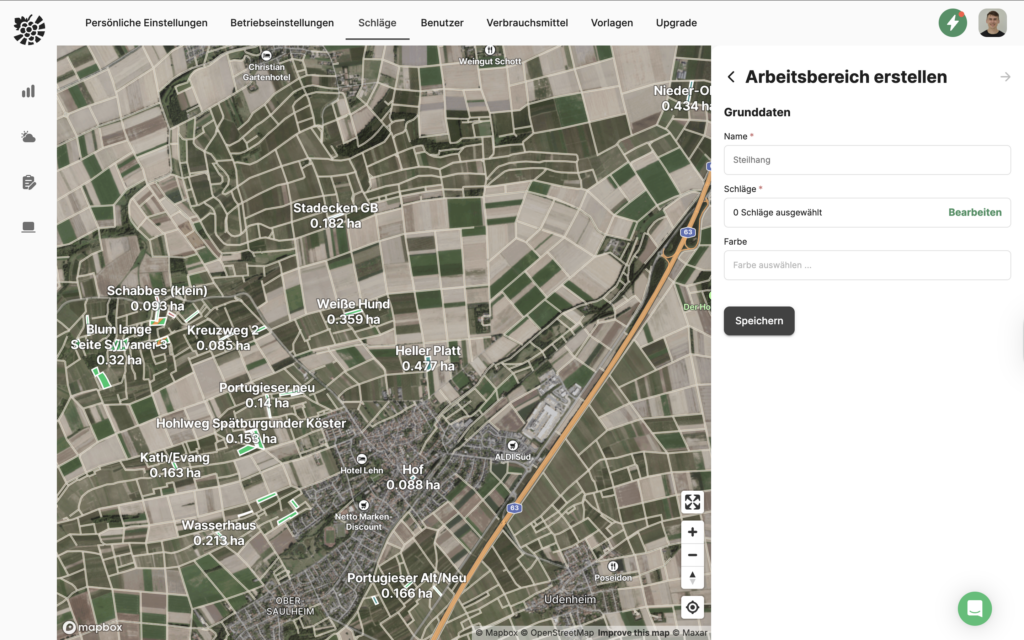
Now give the workspace a name.
Then click on the tab "Plots" in the sidebar to assign fields to the work area (e.g. organised according to specific grape varieties, regions, BEWs for fertilisation, young fields, Piwis etc.).
You can also assign your own colours to your areas. This allows, for example, fallow land, leasehold management or quality levels to be clearly and visually displayed on the map. Choose a colour if desired.
If a vineyard is assigned to several working areas, the corresponding colours are displayed simultaneously on the map. This allows you to quickly recognise the different characteristics of an area.