Follow the three steps below to connect a task to live mode and work through vineyards in the app:
- Desired task on Active set
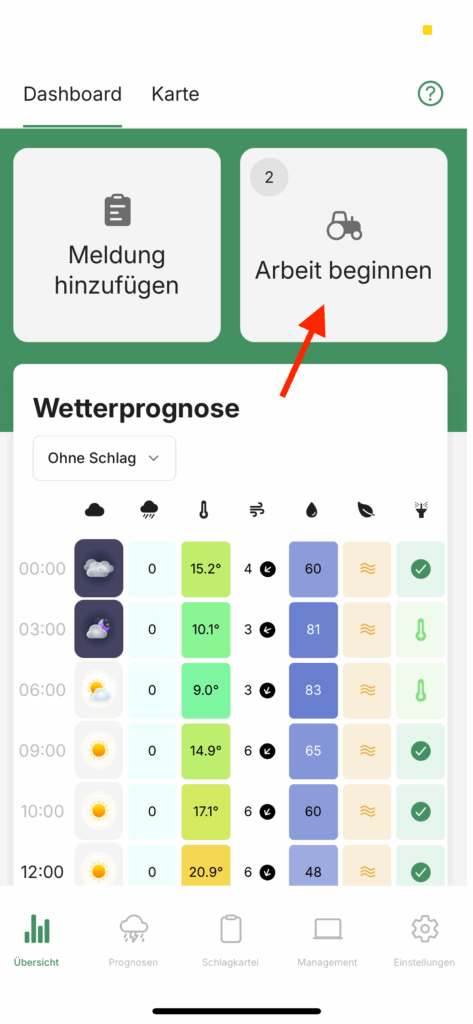
- In the main menu item Overview, click on the button Start work
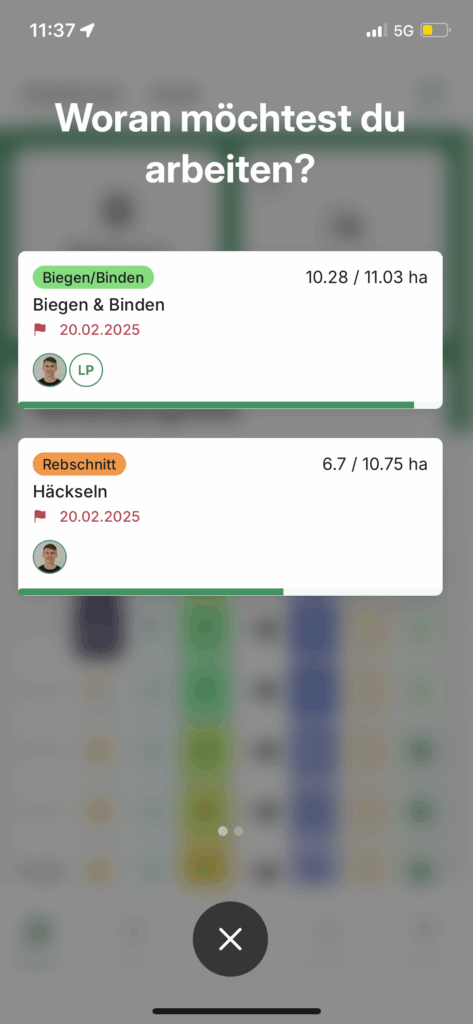
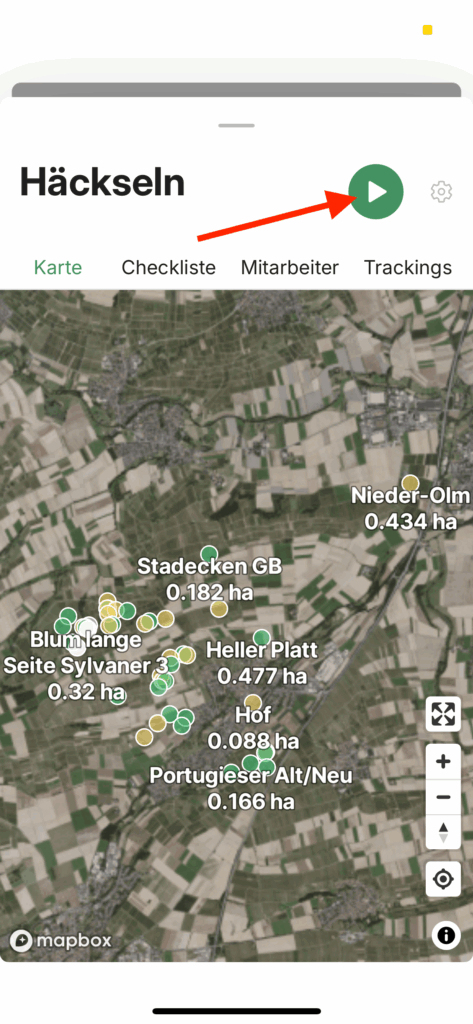
- Select the desired task and start tracking
- Tick off vineyards on the map
Firstly, make sure that you set tasks that are currently being processed to the status Active set. Only then will the tasks be visible to all persons assigned to them in live mode.
If the task is active, assigned persons can start the task in the Overview menu item on the mobile phone using the "Start work" button. Select the desired task from the subsequent list and click on the Play button in the top right-hand corner. Live mode will then start.