To change your password, simply go to Settings -> Personal settings on the box "Basic data". At the bottom of the box you will find fields labelled "New password" and "Confirm password". Simply enter your new password here and click on "Save".
You have already successfully changed your password.
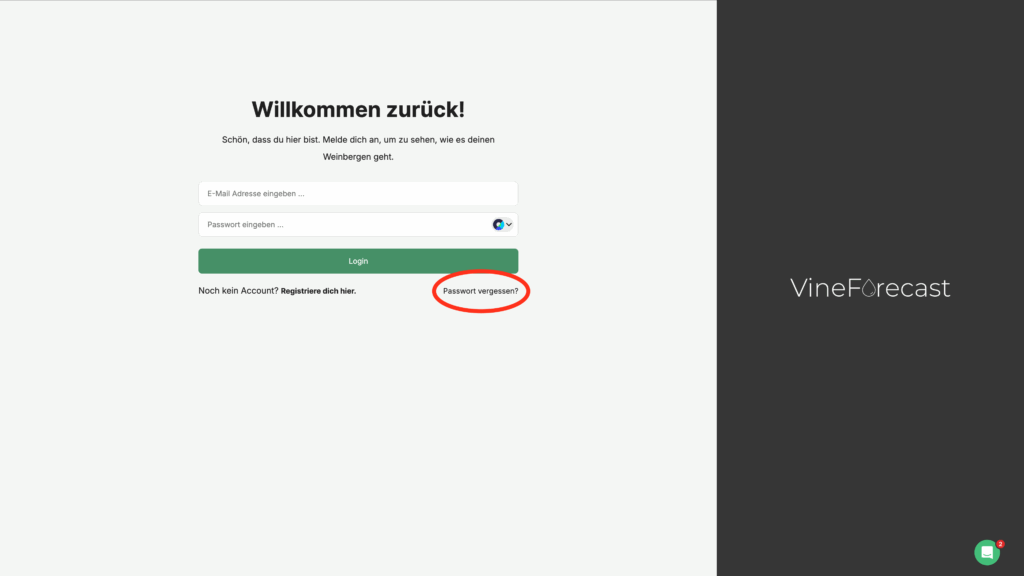
If you can no longer log in, you can click on "Forgotten password" at https://app.vineforecast.com and go through the steps indicated there.