To create a Mark vineyard as finishedfirst open the task with the corresponding work. You can do this either via the Management -> Tasks or via the Live mode.
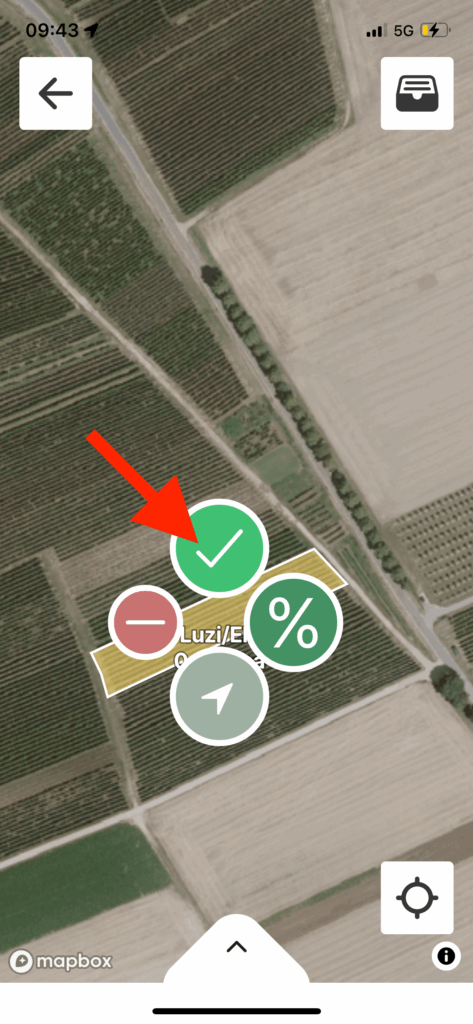
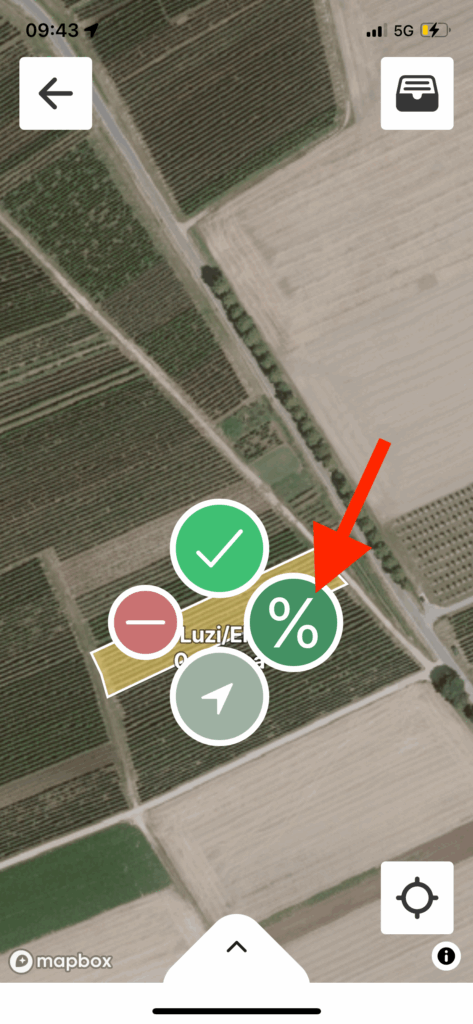
Simply click on the corresponding vineyard on the map. A selection with symbols will open. Click on the green tick to mark the work in this vineyard as completed. If you have not yet completed the vineyard, but it is already being worked on, you can also use the "%" symbol to indicate the percentage of progress.
If you want to change the status again, simply click again on the vineyard that is now coloured green. The selection with three icons opens again. However, there is now a red cross instead of the green tick. Select the red cross to change the status back to not completed.