With VineForecast, you have the option of recording the times for users who do not have access to VineForecast themselves. To do this, start the recording of the work as usual via Dashboard -> Start work -> Select work order -> Play button.
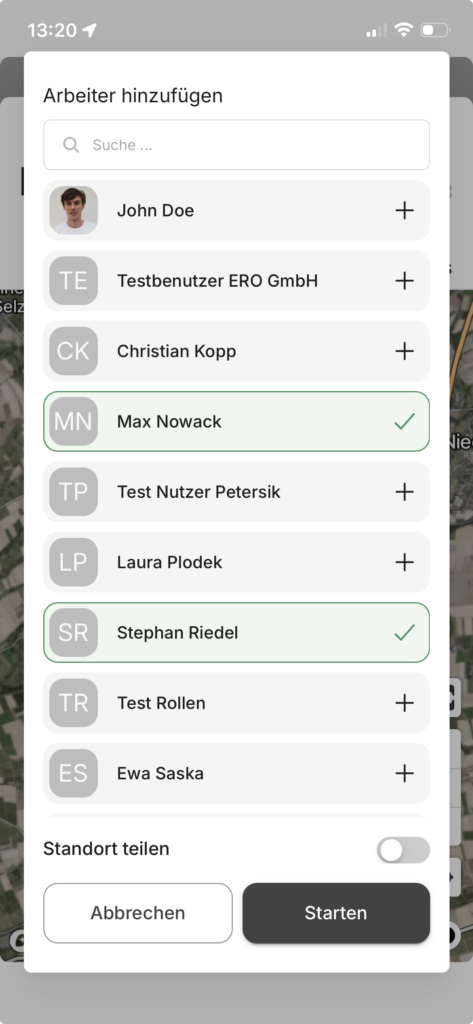
After clicking on the play button, select additional employees from the list in order to record working times for them too:
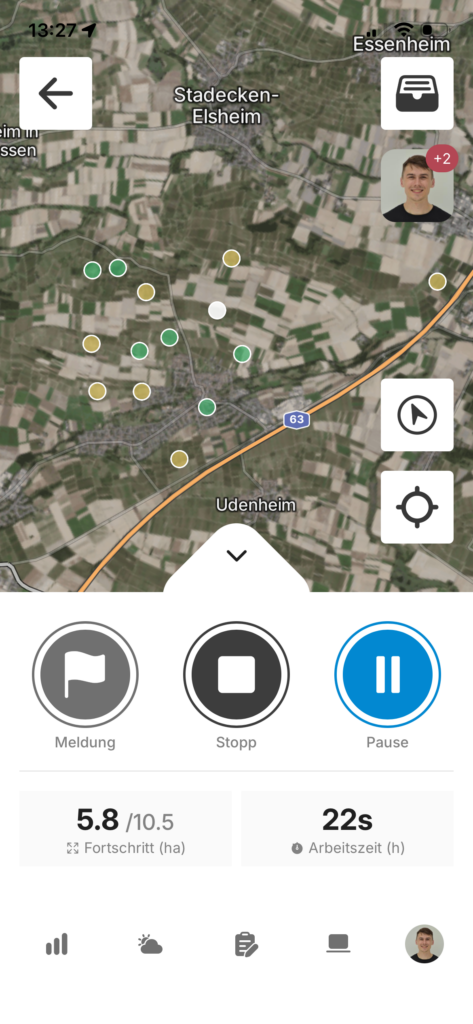
If you are in live mode, you can also see during tracking how many other employees you are currently recording for. You can recognise this by the red number on your profile picture / initials.
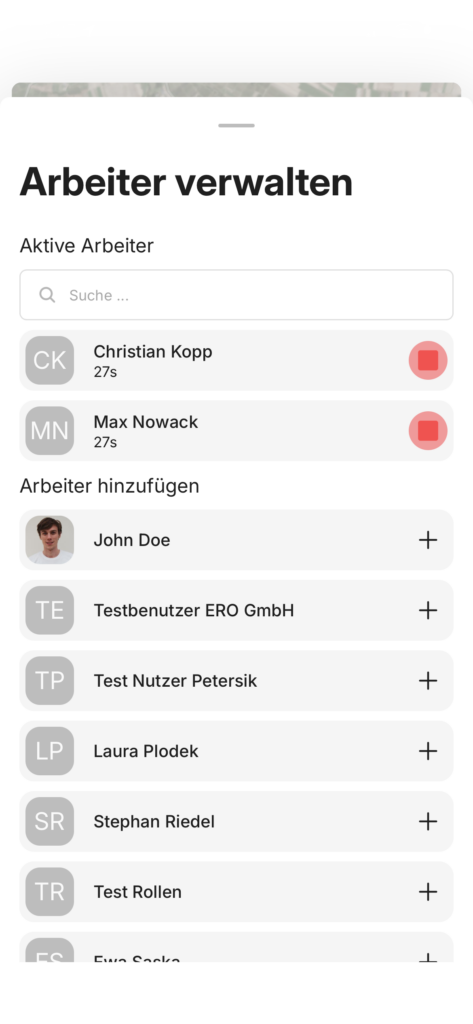
If you click on your profile picture / initials, a window will open in which you can add further employees or end the recording.