1. Home
  2. Forecasts
  3. Edit virtual weather station
  1. Home
  2. Settings
  3. Edit virtual weather station

Edit virtual weather station

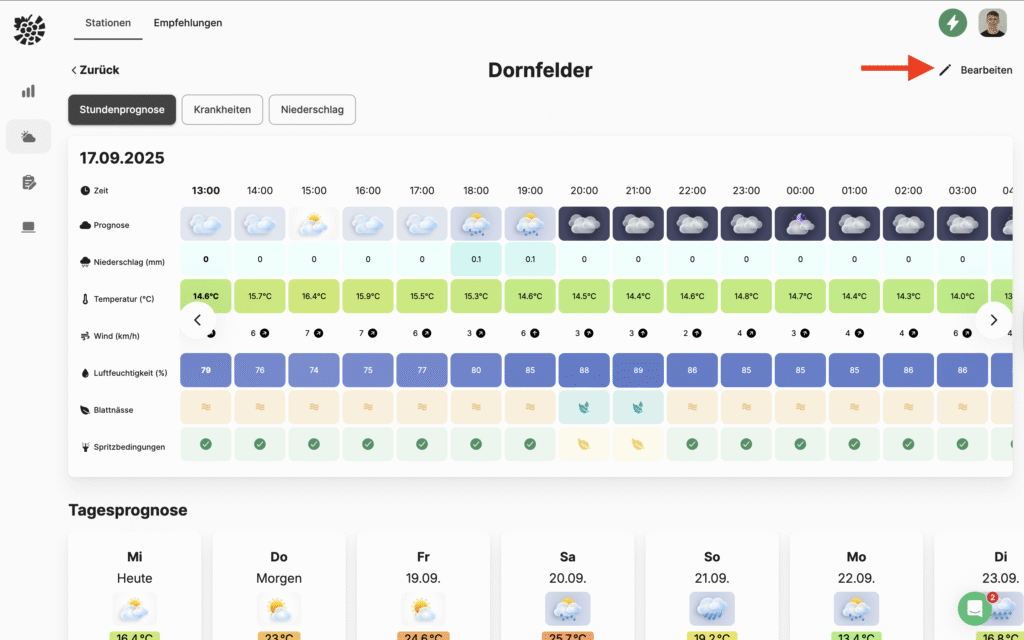
If you want to edit an already created virtual weather station again, for example to change the location, you can do this very easily. Select under Forecasts -> Stations to select the desired station. At the top right, you can make changes to the station using the Edit button.
Updated on 17 September 2025
Was this article helpful?

Related Articles

No answer found?
Contact us via the support chat in the app or send us an email.
Contact support