
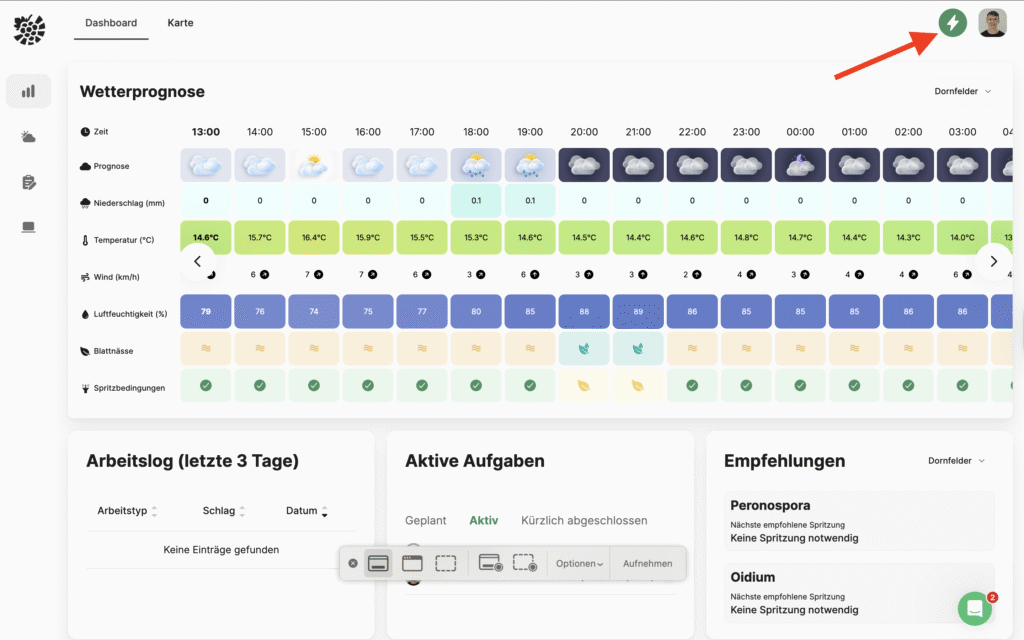
You can find all innovations and further developments in the Changelog from VineForecast. You can also access it directly via the dashboard on the PC: Click on the icon with the green circle and the white lightning bolt ⚡ in the top right-hand corner.
A red dot on the edge of the icon indicates that there are new updates.
In the event of major changes, we also inform all account holders directly by message - so you are always up to date.