You can delete or edit a virtual weather station. To do this, select Forecasts -> Stations to select a virtual station. Click on "Edit". Here you can now change all the details, move the location or delete the station.
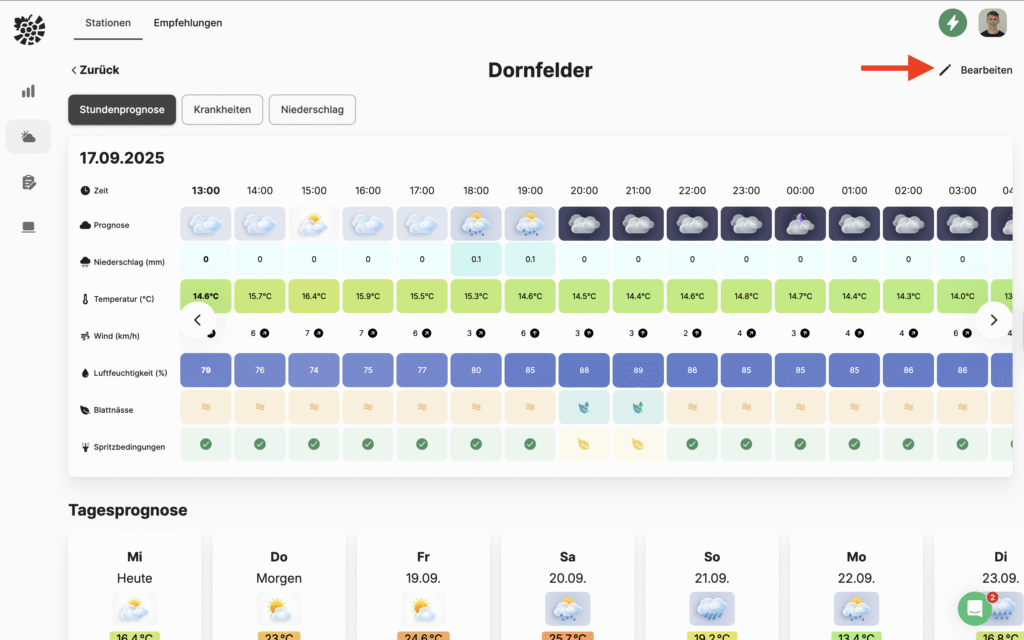

You can delete or edit a virtual weather station. To do this, select Forecasts -> Stations to select a virtual station. Click on "Edit". Here you can now change all the details, move the location or delete the station.