Important note beforehand: Export is only possible on a PC.
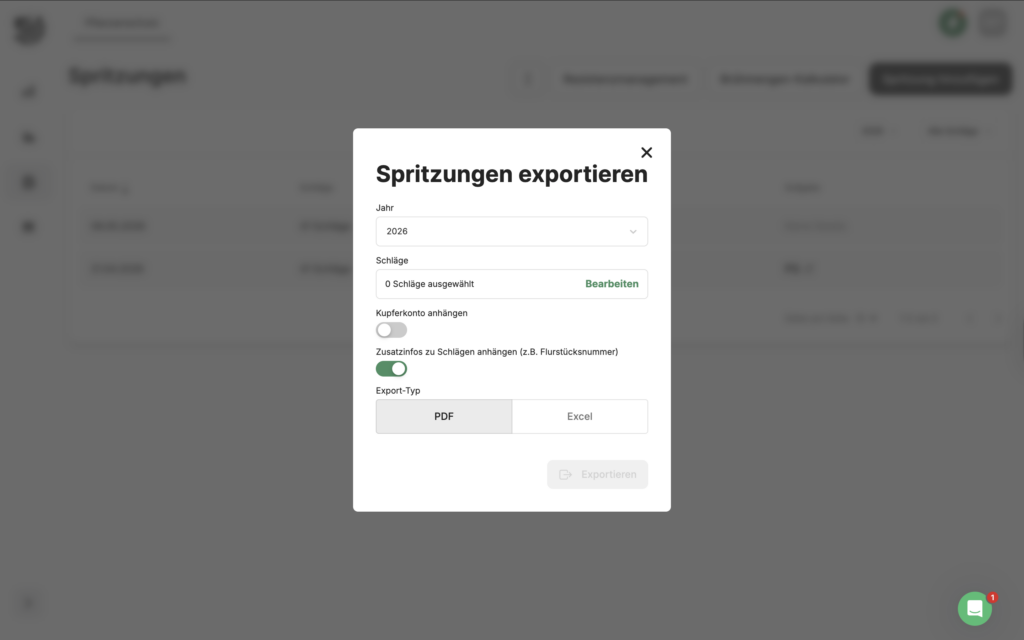
You can download your documentation for your records via Documentation -> Plant protection export. Click on the three dots at the top of the bar and select "Export" . A window will open where you can select the desired format and the areas for which the export should be created. The generated report always contains all injections from the selected year.
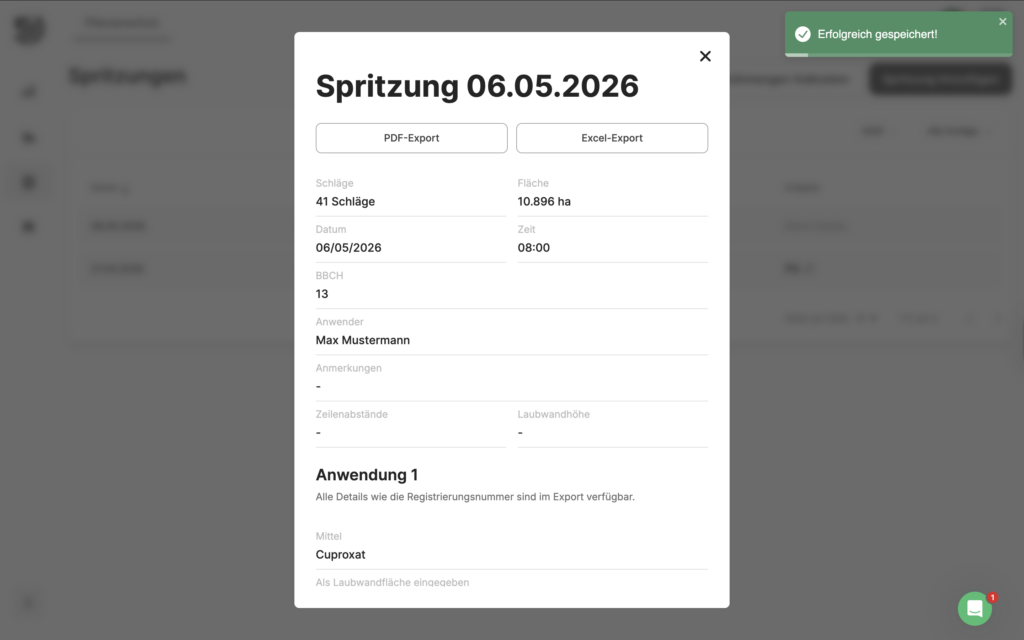
If you wish to export a single injection, click on the corresponding entry below Documentation -> Plant protectionIn the window that opens, you can then select the desired export format at the top using the buttons and start the export.